Folio
A desktop markdown workspace for the files already on your disk. Open a folder, browse it like Finder, and write with a live preview beside you — no account, no sync, nothing leaves your machine. Download the latest release for your platform.
v0.1.3 · released August 14, 2026 · Release notes
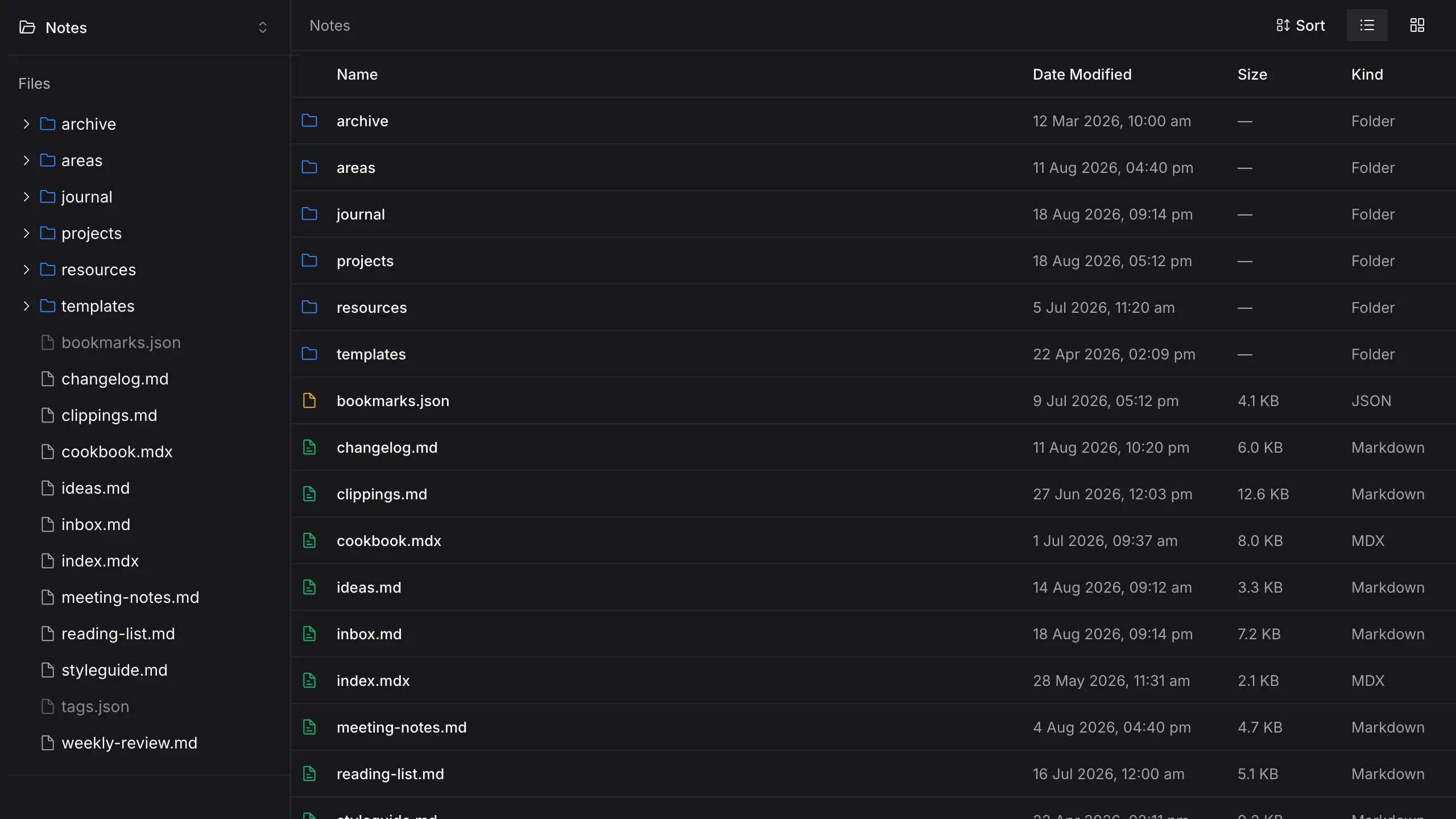
Browse a folder like Finder
Name, date, size and kind, directories first. Click into a folder, not a path — everything sits where it already lives on disk.
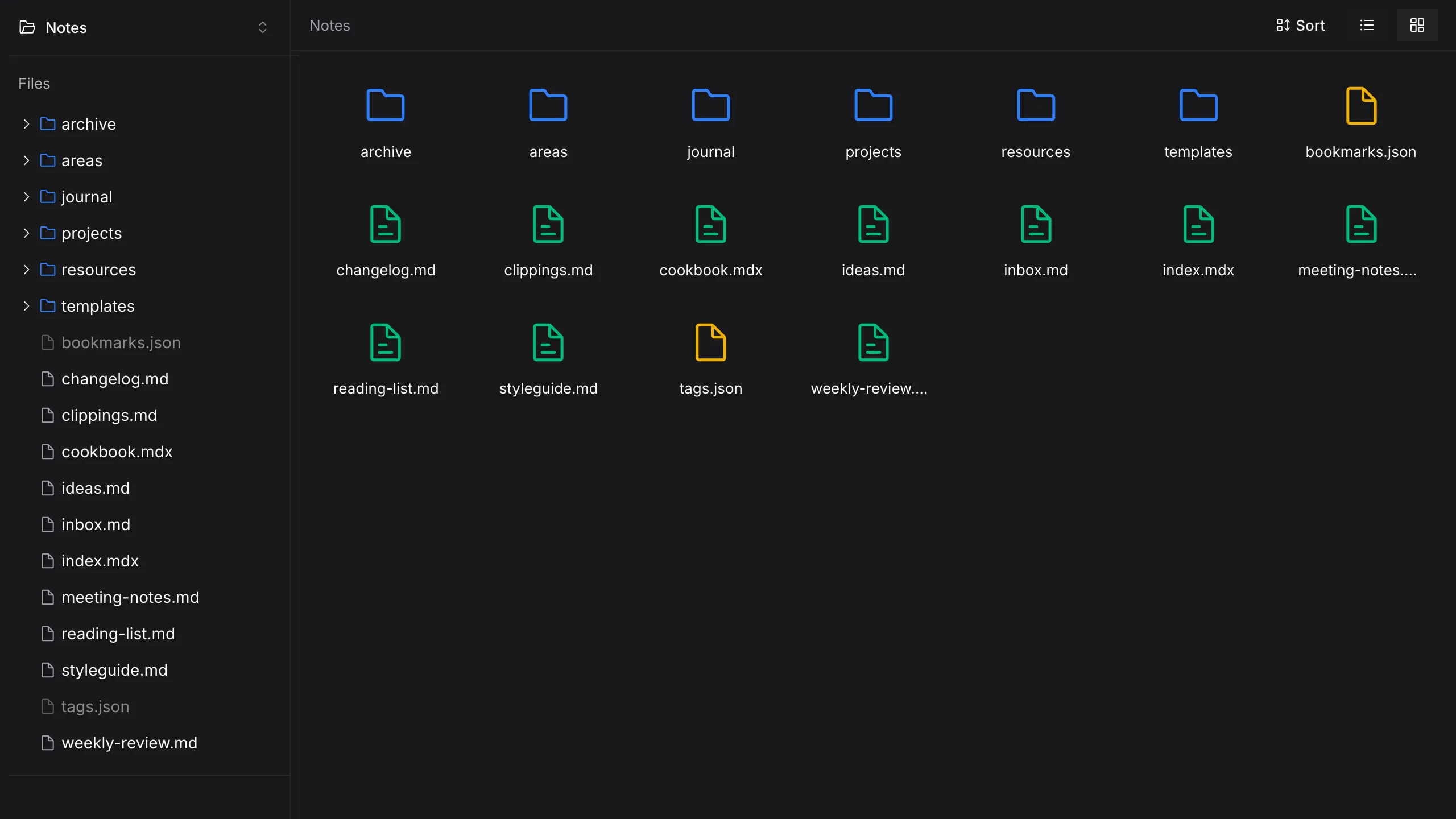
Grid view when you want the shape
The same listing as large icons, so a vault of notes is scannable at a glance.
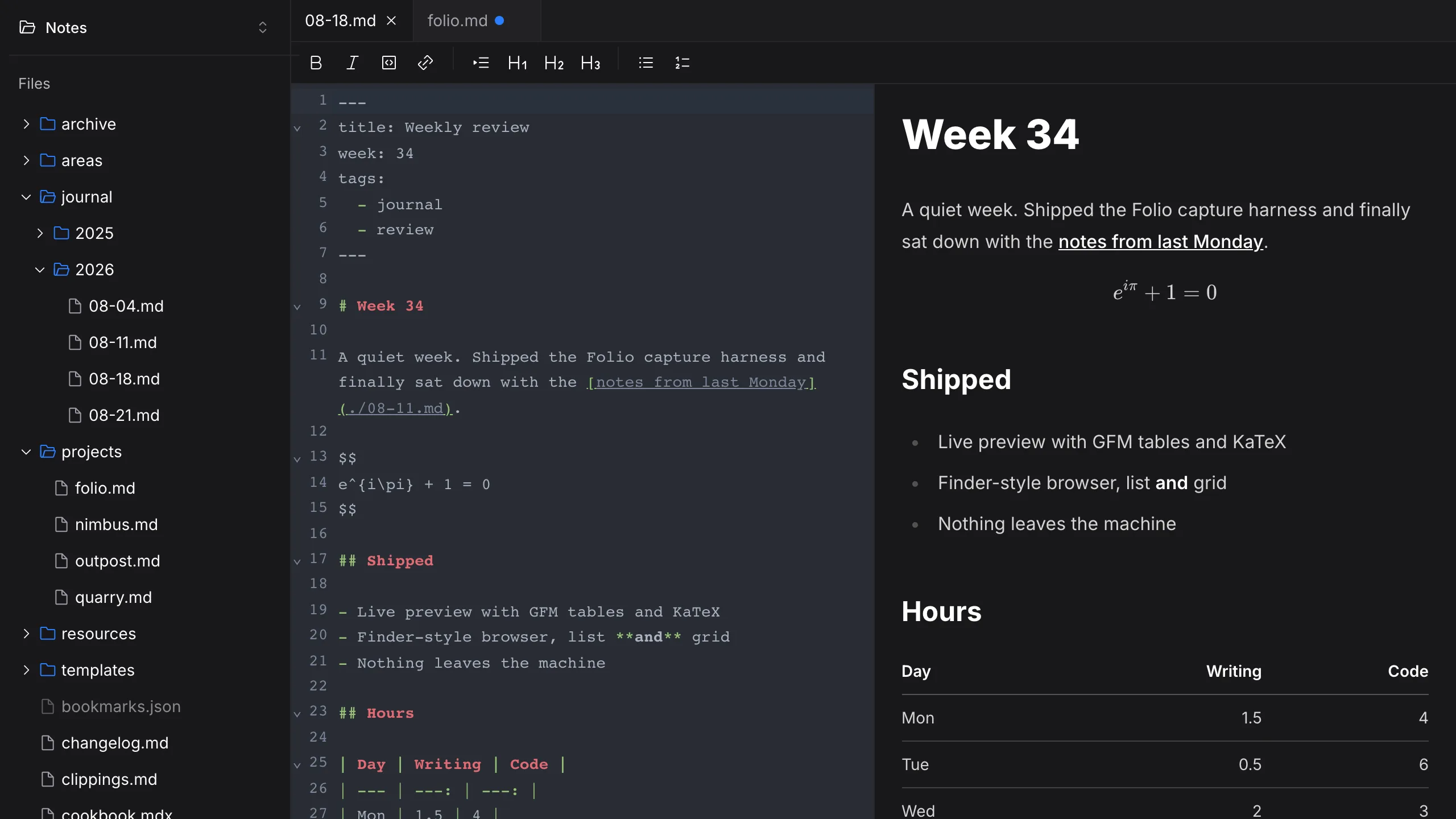
Write with the preview beside you
CodeMirror on the left, the rendered page on the right — GFM tables, KaTeX maths and frontmatter badges, scrolling together.
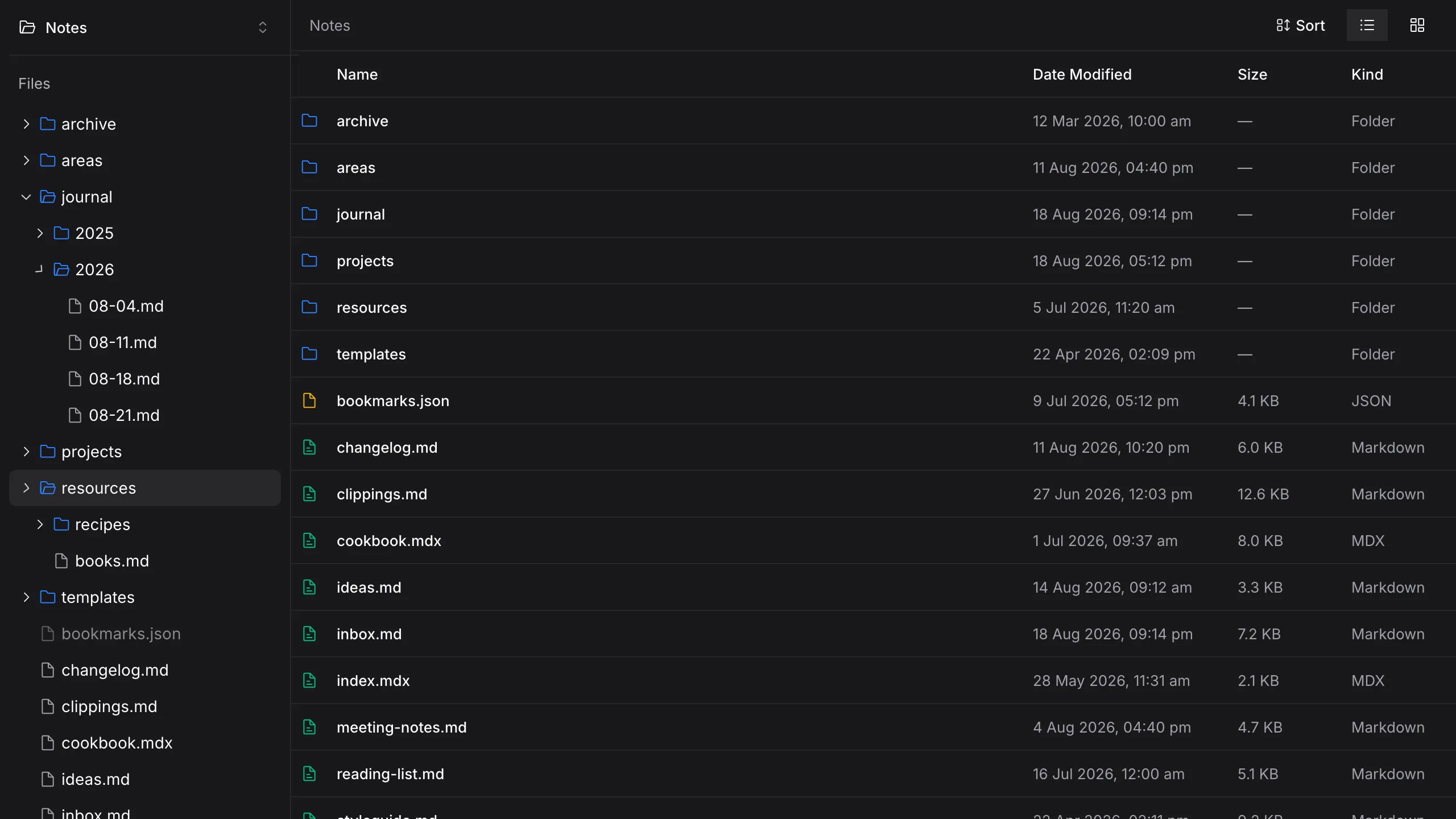
The whole tree, lazily loaded
Expand as deep as you like — each folder lists only when you open it.
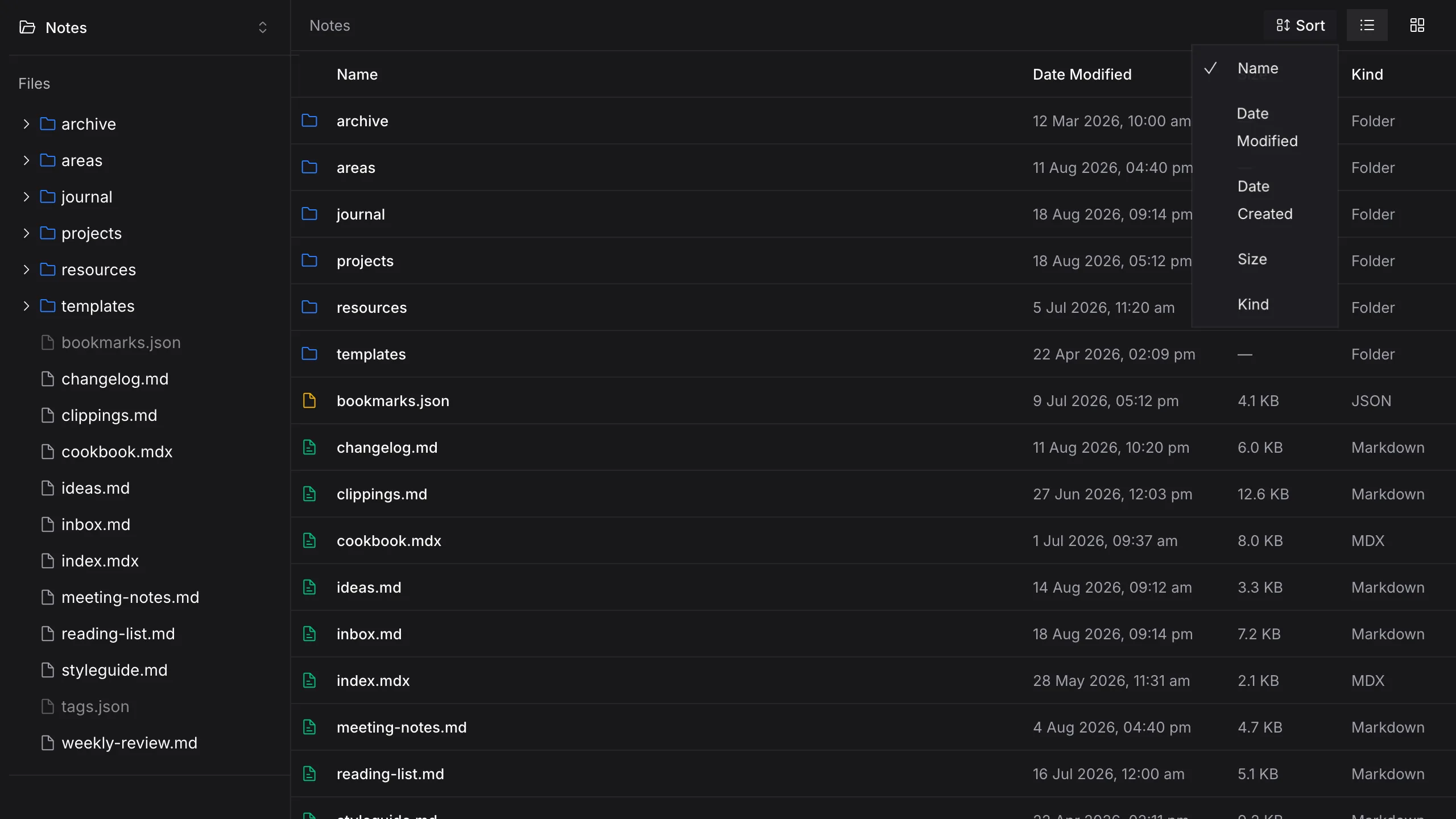
Sort the way you think
Name, dates, size or kind — directories stay on top, the way Finder does it.
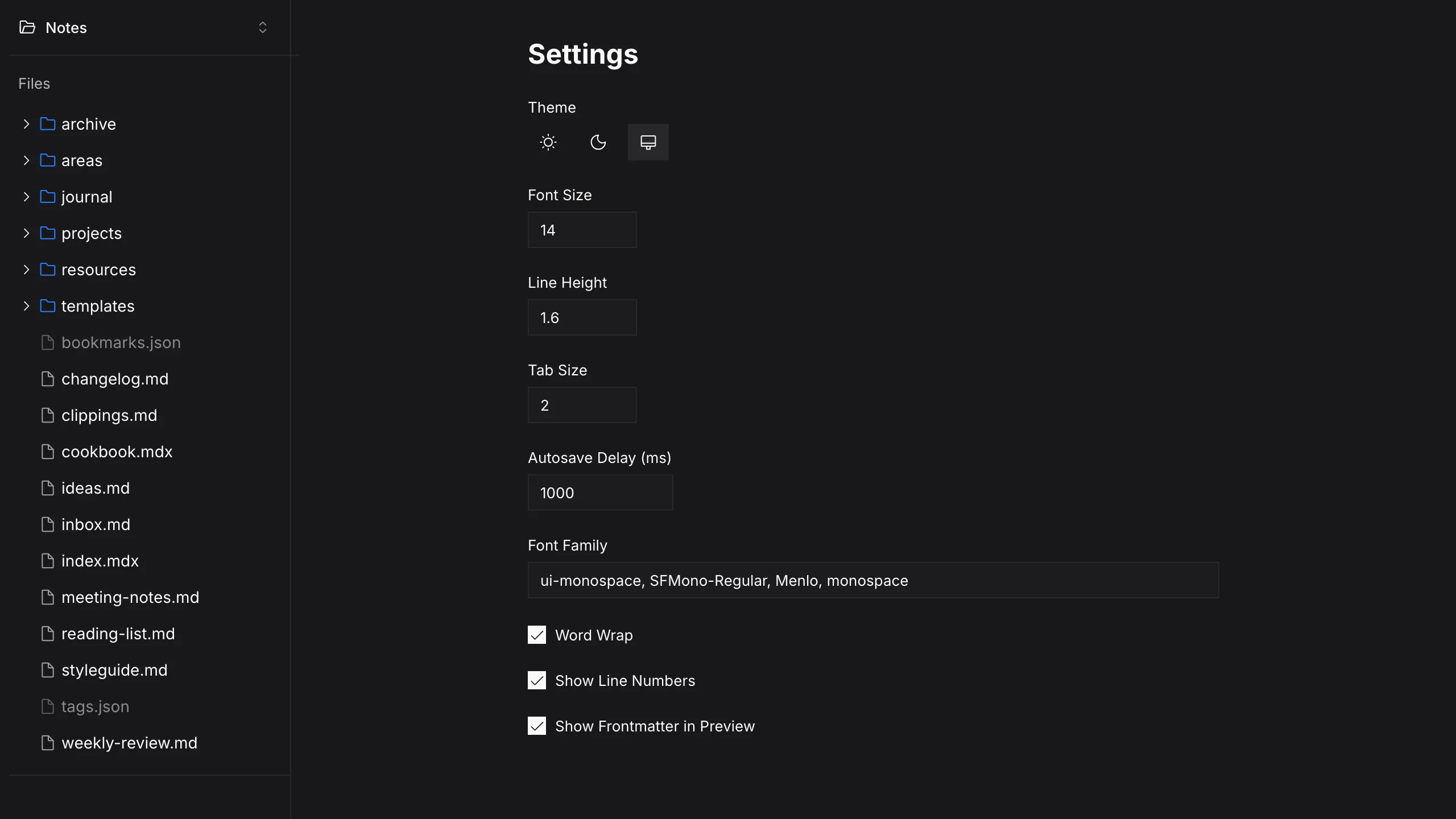
Made to match how you write
Font, wrapping, line numbers, autosave delay, and whether frontmatter shows in the preview.
No account. Open a folder.
Pick a directory and start writing. Recents are there when you come back — nothing left the machine.